.png)


.svg "DynaTechOps")
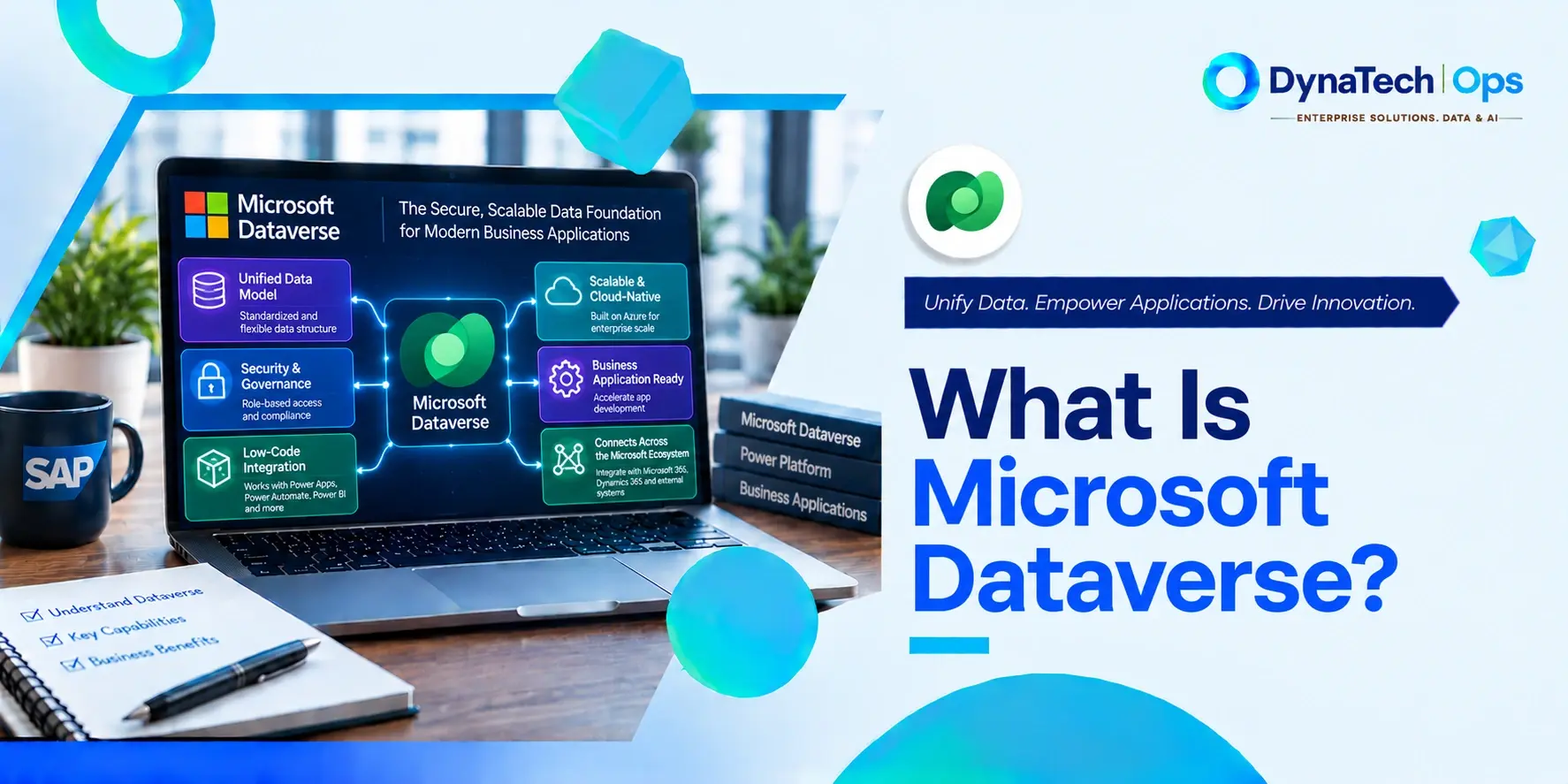
Microsoft Dataverse, formerly Common Data Service, is the cloud database underlying Dynamics 365 and the Power Platform. In organisations running Dynamics 365 alongside SAP, Dataverse holds Microsoft business-application data that can be integrated with SAP data and processes through appropriate connectors, APIs or integration services.
Key Takeaways
- Microsoft Dataverse, formerly known as Common Data Service (CDS), is the cloud database and application platform underlying Dynamics 365 and the wider Power Platform.
- Any query against Dynamics 365 Sales or Customer Service is a query against Dataverse tables underneath.
- The Dataverse Web API, a RESTful OData v4 interface, suits most cross-platform integration work. The SDK for .NET remains supported for .NET development, while the legacy OData v2 Organization Data Service is deprecated and existing code using it should move to the Web API.
- For SAP-centric organisations, Dataverse and Power Platform can form part of a Clean Core-aligned extension architecture, provided SAP interactions use appropriate interfaces and extensions stay decoupled from SAP core modifications.
Many organisations run SAP for finance, inventory and operations, and Dynamics 365 for sales and customer service. Sooner or later, both sides need the same data, and the conversation turns to Dataverse.
For SAP teams, Dataverse can feel like unfamiliar territory. It is not a separate product to buy or a module to configure. It is the data layer every Dynamics 365 application already runs on, and understanding it is the first step towards connecting the two platforms cleanly.
What Is Microsoft Dataverse, in Plain Terms?
Dataverse is where Dynamics 365 keeps its data. Accounts, contacts, opportunities, cases and any custom tables all live in Dataverse, and the Dynamics 365 applications are built on top of it. Querying Dynamics 365 Sales therefore means querying Dataverse.
For an SAP-focused audience, the simplest comparison is this: Dataverse is to the Microsoft business application ecosystem roughly what the S/4HANA database is to SAP applications. It is the shared data layer that everything else is built on.
That is also why the question of what is Dataverse SAP integration comes up so often. Any organisation running Dynamics 365 for customer-facing work and SAP for finance and operations is, in practice, integrating two data layers.
Which Dataverse API Should You Use?
The Dataverse Web API vs Organization Service question matters because the three available routes are often confused with one another, and one of them is genuinely deprecated while the others are not.
Dataverse Web API: A RESTful OData v4 interface, appropriate for many cross-platform integration scenarios. It works with any language that supports HTTP requests and OAuth 2.0 authentication, including .NET, which makes it the usual choice for integrations built from middleware or non-Microsoft platforms.
Dataverse SDK for .NET: Still supported and useful for .NET development scenarios. Microsoft documents ServiceClient for new application development using the SDK, so .NET developers are not being steered away from it.
Legacy OData v2 Organization Data Service: Deprecated. Microsoft has announced its removal, and existing code using it should transition to the Dataverse Web API.
The distinction between the second and third items is the one worth being precise about. The Organization Data Service, the old OData v2 endpoint, is the deprecated component. The Organization Service reached through the SDK for .NET is a different thing and remains a supported route for .NET work.
Microsoft's legacy Microsoft 365 (WS-Trust) authentication for Dataverse is also deprecated. Integrations outside .NET Framework must authenticate with OAuth through Microsoft Entra ID and use the Web API.
The Web API also carries a practical advantage for integration work. Its JSON payloads are considerably less verbose than the XML the older SOAP-based route produces, so the Web API is less likely to run into payload size limits on large requests.
How Dataverse Fits an SAP-Centric Clean Core Strategy
Clean Core keeps S/4HANA as a stable digital core, with extensions built outside it through released APIs and platforms such as SAP BTP. An SAP Clean Core Dataverse approach extends that thinking into the Microsoft side of the landscape.
Dataverse and Power Platform can form part of an SAP Clean Core-aligned extension architecture when SAP interactions use appropriate interfaces and extensions are kept decoupled from SAP core modifications. Teams can build Power Apps, automate workflows and capture customer data in Dataverse, then exchange data with SAP through released interfaces, without modifying SAP-delivered objects. The SAP core stays clean, and the Microsoft layer handles work that would otherwise tempt teams into core customisation.
For a deeper look at Clean Core principles, and why decoupled extensions survive SAP updates, see our SAP Customisation & Enhancements page and Why SAP Enhancement Packages Silently Break Your Integrations.
A Real, Practical Use Case
The everyday answer to what Dataverse SAP integration is is keeping two teams working from the same picture.
A sales team captures orders and customer details in Dynamics 365, so that data lives in Dataverse. Finance, inventory and fulfilment run in SAP. Without integration, sales quotes against stock levels that may already be out of date, and finance processes orders missing customer details that sales already holds.
Integration keeps them aligned. Order and customer data flows from Dataverse into SAP, while inventory, pricing and invoice status flow back. Neither side works from a stale or incomplete record.
Frequently Asked Questions
1. Is Microsoft Dataverse the same as Dynamics 365?
No. Dataverse is the underlying data and application platform used by many Dynamics 365 applications, while Dynamics 365 is Microsoft's family of business applications.
2. Can Dataverse connect directly to SAP S/4HANA?
There is no built-in, out-of-the-box synchronisation between the two. Integration is typically built through middleware such as SAP Integration Suite or Azure integration services, through Microsoft's SAP ERP connector for Power Platform, or through dedicated sync tools. Well-designed integrations use SAP's released APIs on one side and the Dataverse Web API on the other.
3. Should I use the Dataverse Web API or the SDK for .NET for a new integration?
For cross-platform integration work, including anything built from middleware or a non-Microsoft stack, use the Dataverse Web API. For .NET application development, the SDK for .NET remains supported, and Microsoft documents ServiceClient for new development using it. What should not be used for new work is the legacy OData v2 Organization Data Service, which is deprecated and scheduled for removal.
If you are working on the Salesforce side of the same question, see our SAP + Salesforce Integration guide. To understand how Clean Core principles shape integration design, see SAP Customisation & Enhancements. For support connecting Dataverse and SAP in your own landscape, explore our SAP Integration Services.
Running Dynamics 365 Alongside SAP?
Keeping customer and operational data in step across both platforms is easier when the integration is designed properly from the start. Talk to DynaTech Ops about connecting Dataverse and SAP without adding to your SAP core. DynaTech Ops supports organisations running both platforms through its SAP Integration Services, designing integrations around the Dataverse Web API and SAP's released interfaces so that sales, service, finance and inventory data stay aligned. For teams planning their first Dataverse connection, or modernising one built on a deprecated endpoint, DynaTech Ops offers a clear, standards-based route to an integration that holds up as both platforms evolve.