.png)


.svg "DynaTechOps")
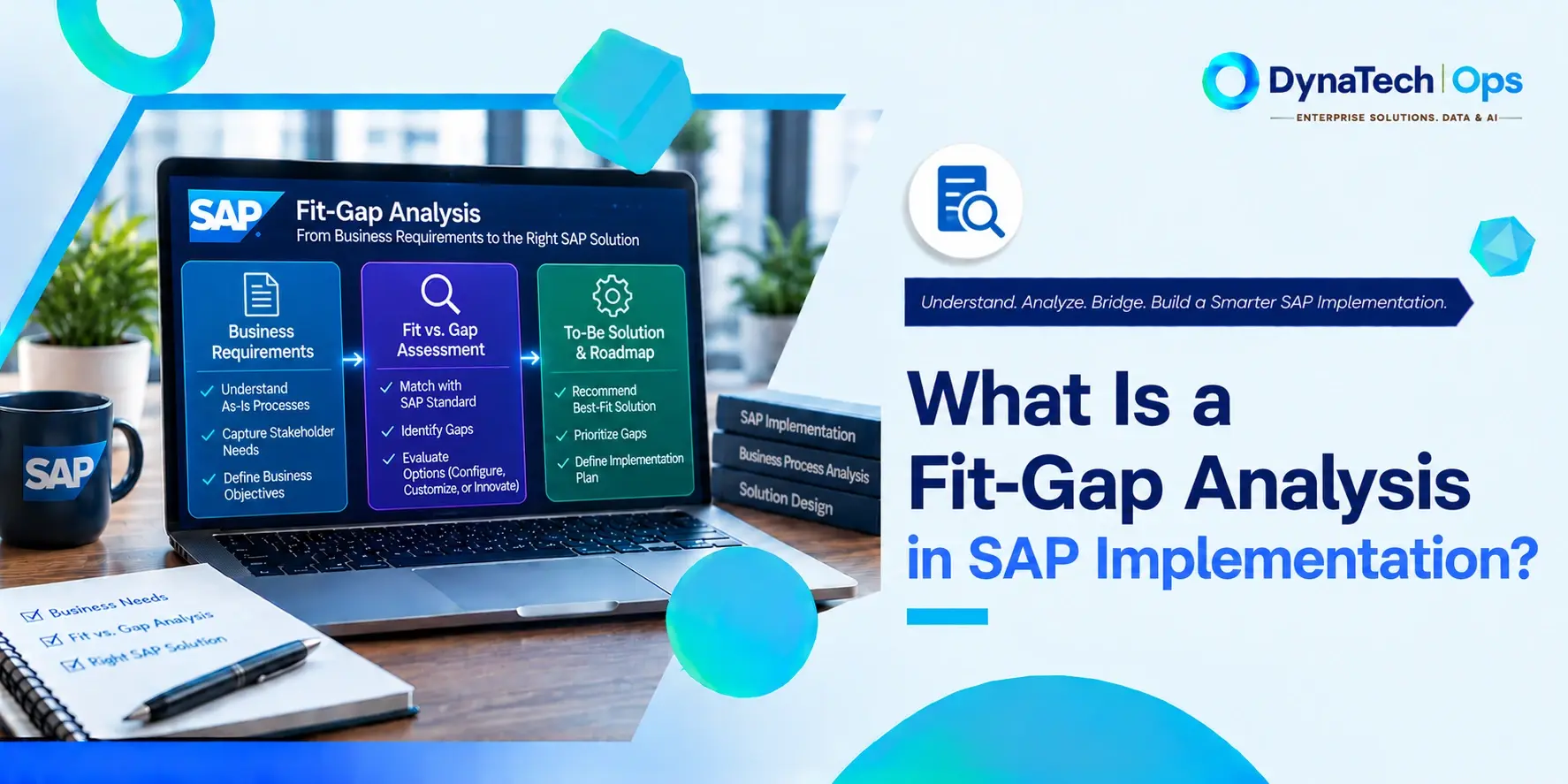
A fit-gap analysis is a structured evaluation, conducted during the Explore phase of an SAP implementation, that compares an organisation's business requirements with SAP's standard functionality. It shows where the standard system fits the business as it is, and where a gap exists that needs either a process change or a system customisation to resolve.
Key Takeaways
- A fit-gap analysis looks at the business requirements of an organisation against the standard, out-of-the-box functionality of SAP and identifies where the system fits and where there is a real gap.
- Under the SAP Activate methodology, this happens formally during the Explore phase, using a preconfigured sandbox system built on SAP Best Practices content.
- The process follows four steps: define business requirements, identify SAP's actual capabilities, analyse the resulting gaps, then prioritise and address them.
- Each gap is typically resolved in one of two ways: adapting the business process to match SAP's standard, or customising the system. The second path carries long-term maintenance risk if handled poorly.
- Some automated tools now use actual SAP system-usage data to compare existing environments against target standards, with vendors reporting initial results within minutes rather than after weeks of manual workshops.
Every SAP implementation has the same early question: how much of the business can run off the standard system, and how much can’t? The answer drives the budget, time line and long-term cost of ownership of the system.
Anyone asking what fit-gap analysis SAP teams rely on is really asking how they answer that question in a disciplined way. A fit-gap analysis replaces assumptions with evidence, so that every departure from standard is identified, justified and decided before the build begins.
The Real Process: 4 Steps
A fit-gap analysis follows four steps:
Define business requirements: Document how the business needs to operate, process by process, including the outcomes each process must deliver.
Identify SAP's actual capabilities: Establish what the standard system does for each process, based on delivered functionality rather than assumptions.
Analyse the gaps: Compare the two and record where the standard fits, where it partly fits, and where it does not.
Prioritise and address the gaps: Rank gaps by business impact and decide how to resolve each.
Under SAP Activate, this work sits in the SAP Activate Explore phase. Project teams run structured workshops in a sandbox system preloaded with SAP Best Practices content, which SAP's current methodology calls fit-to-standard workshops. The team validates whether the preconfigured solution meets real business needs and documents where it does not.
The aim is to identify delta needs and gaps not covered by the pre-assembled solution. When the team has completed Explore, they should have an approved scope baseline to move into the Realise phase where the system is built.
What Fit and Gap Look Like in Practice
The output of steps three and four is a decision per requirement. A simplified worked example shows how each one is classified and what it leads to.
| Business Requirement | SAP Standard | Result | Recommended Path |
| Standard approval flow supported | Meets requirement | Fit | Adopt and configure the standard |
| Unique business rule not covered | Partial fit | Gap | Evaluate process change or extension |
| Required external functionality | Not covered | Gap | Evaluate integration |
| Legacy customisation no longer needed | Standard alternative exists | Fit | Retire the customisation |
The final row is the one teams most often miss. A requirement that exists only because an old system worked a certain way is not a gap at all, and treating it as one carries unnecessary customisation into the new landscape.
Two Ways Teams Actually Run This
Fit-gap analysis is typically run in one of two ways:
Simulation-based: The team plans the scenarios, runs them in the system, analyses the results and captures the gaps.
Discussion-based: The team schedules sessions, discusses current processes, captures requirements and then analyses them against the standard.
The trade-off is practical. Simulation-based analysis tends to surface more concrete, tested gaps because the team works directly in the system. Discussion-based analysis is quicker to run but relies heavily on participants accurately describing how a process works today, which is often different from how it is documented.
What Happens to a Gap Once It's Found
Once a gap is identified, it is typically resolved in one of two ways:
Re-engineer the business process: Change the way the business works so it aligns with SAP's standard.
Enhance the system: Use enhancements, such as user exits or custom ABAP development, to make the system match the existing process.
This decision has consequences well beyond the project. Lidl's abandoned SAP programme is a documented example of choosing the second path at scale. It customised the system to preserve its existing inventory valuation method rather than adapting to the standard model, and it wrote off roughly €500 million. The full story is covered in Real SAP Implementation Failures: What Lidl, Hershey & Nike Actually Got Wrong.
Where a customisation is genuinely justified, how it is built matters as much as whether it is built. Clean, Core-aligned extensibility keeps necessary changes outside the SAP core, so they don't create upgrade risk. Our SAP Customisation & Enhancements page covers that approach.
A Genuinely Current Shift: Automated Fit-Gap Analysis
Most explanations describe fit-gap analysis as a purely manual, workshop-driven exercise. As of September 2025, that no longer tells the full story.
Some automated SAP fit-gap analysis tools now use actual system-usage data to compare existing environments with target standards. West Trax, for example, states that its automated analysis can provide initial results within minutes. Because the analysis draws on real system usage rather than how participants describe their processes, it can also reduce reliance on recollection, which limits discussion-based approaches.
The approach is still maturing. Integration with the wider SAP toolchain, including SAP Signavio, WalkMe and SAP Cloud ALM, is not yet seamless, so automated results currently complement workshops rather than replace them.
Frequently Asked Questions
1. When does fit-gap analysis happen in an SAP implementation?
During the Explore phase of SAP Activate, after project preparation and before the realise phase. Teams validate a preconfigured sandbox against business requirements in structured workshops and finish with an approved scope baseline.
2. What are the two ways a gap is typically resolved?
Either by re-engineering the business process to fit SAP's standard, or by enhancing the system to match the existing process. The first usually carries lower long-term cost. The second should be reserved for genuine business differentiators and built using Clean Core-aligned methods.
3. Can fit-gap analysis be automated?
Partly. Some tools now use actual SAP system-usage data to compare existing environments against standard functionality, and vendors such as West Trax report initial results within minutes. Integration with the broader SAP toolchain is still maturing, so automation currently supports workshops rather than replacing them.
Related Terms
To see what happens when this step is mishandled, read Real SAP Implementation Failures: What Lidl, Hershey & Nike Actually Got Wrong. For the Clean Core-aligned way to resolve gaps that genuinely need customisation, see SAP Customisation & Enhancements. For support running fit-gap analysis as part of a wider project, explore our SAP Implementation & Rollout services.
Preparing for Your Explore Phase?
A well-run fit-gap analysis is one of the most effective ways to keep an SAP project on scope and on budget. Talk to DynaTech Ops about building it properly into your implementation plan. DynaTech Ops supports organisations through its SAP Implementation & Rollout services, helping teams run fit-to-standard workshops, separate the gaps that justify customisation from those better solved through process change, and build any necessary extensions in a Clean Core-aligned way. For organisations about to begin Explore, DynaTech Ops offers a structured route to a scope baseline the whole project can rely on.